

Description
Download MP3 Amplifier Sound Booster – MP3 amplifier, sound booster, volume enhancer, audio amplifier, free volume boost, Android app
Overview
MP3 Amplifier Sound Booster is a free Android application designed to address a common frustration: insufficient volume output from mobile devices. The software aims to amplify audio playback beyond the standard 100% volume limit, providing users with a way to increase sound levels when their device’s built-in volume control is not sufficient. This is particularly useful in environments where ambient noise is high or when using low-sensitivity headphones or speakers. The app is intended for consumers and casual users who rely on their mobile devices for music, podcasts, or video playback and seek a simple way to boost audio output without hardware upgrades.
The developer, MP3 Amplifier, has focused on delivering a straightforward solution to a specific audio limitation. While the developer’s background is not detailed, the app’s purpose is clear: to override volume restrictions imposed by the operating system or media player. Real-world usage scenarios include listening to music in noisy public spaces, watching videos on the go, or enhancing audio clarity during presentations. The app does not require complex setup and can be used in conjunction with existing media players, making it accessible to users with minimal technical knowledge.
Key Features & Capabilities
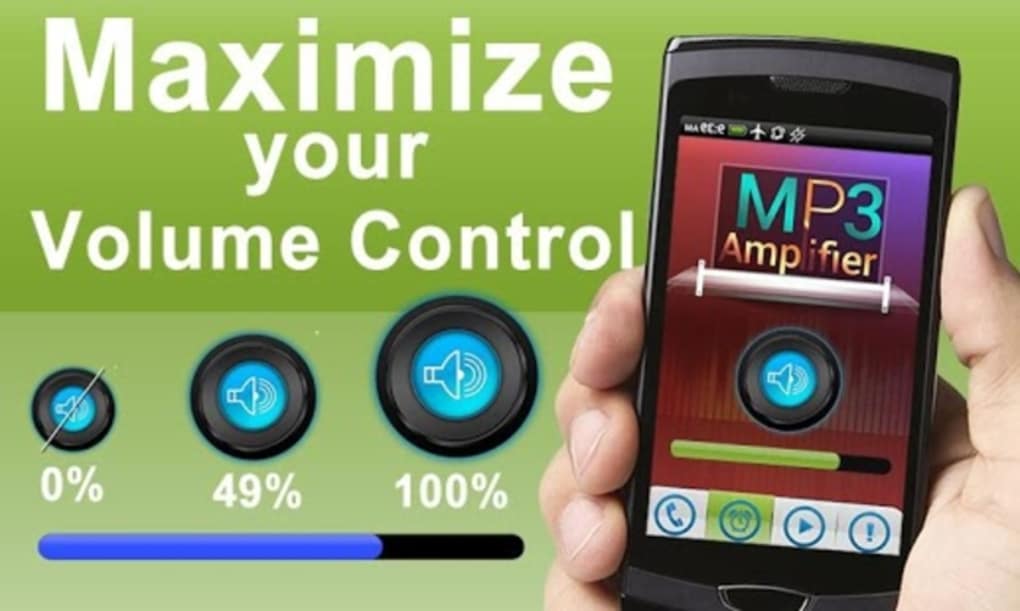
- Volume Amplification Beyond 100% – The app enables audio output to exceed the standard 100% volume limit, reportedly reaching up to 37% higher than the device’s maximum setting. This feature allows users to increase playback volume even when the device’s volume slider is already at its highest point.
- Compatibility with Existing Media Players – MP3 Amplifier Sound Booster works alongside current audio players, including built-in music apps and third-party applications, without requiring users to switch playback software.
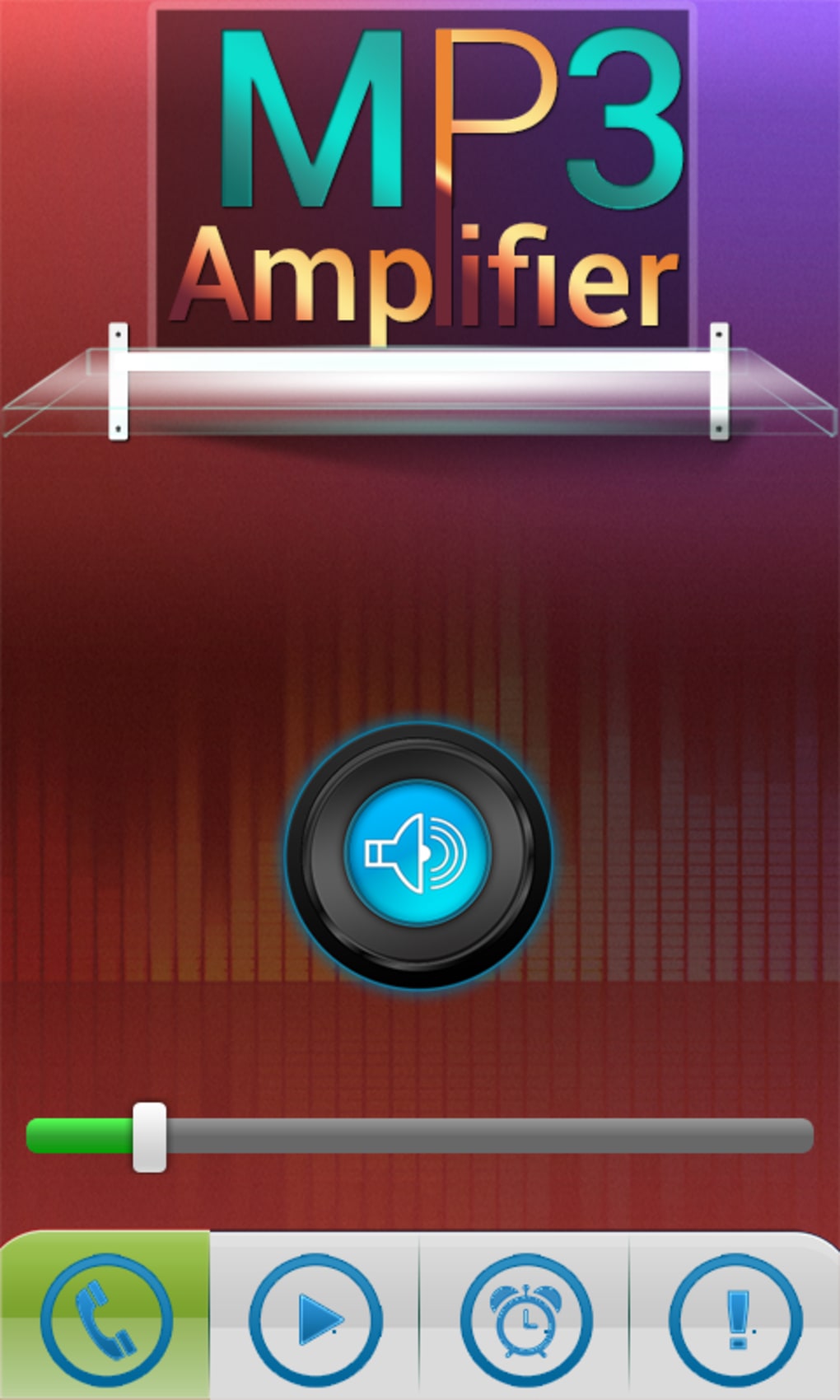
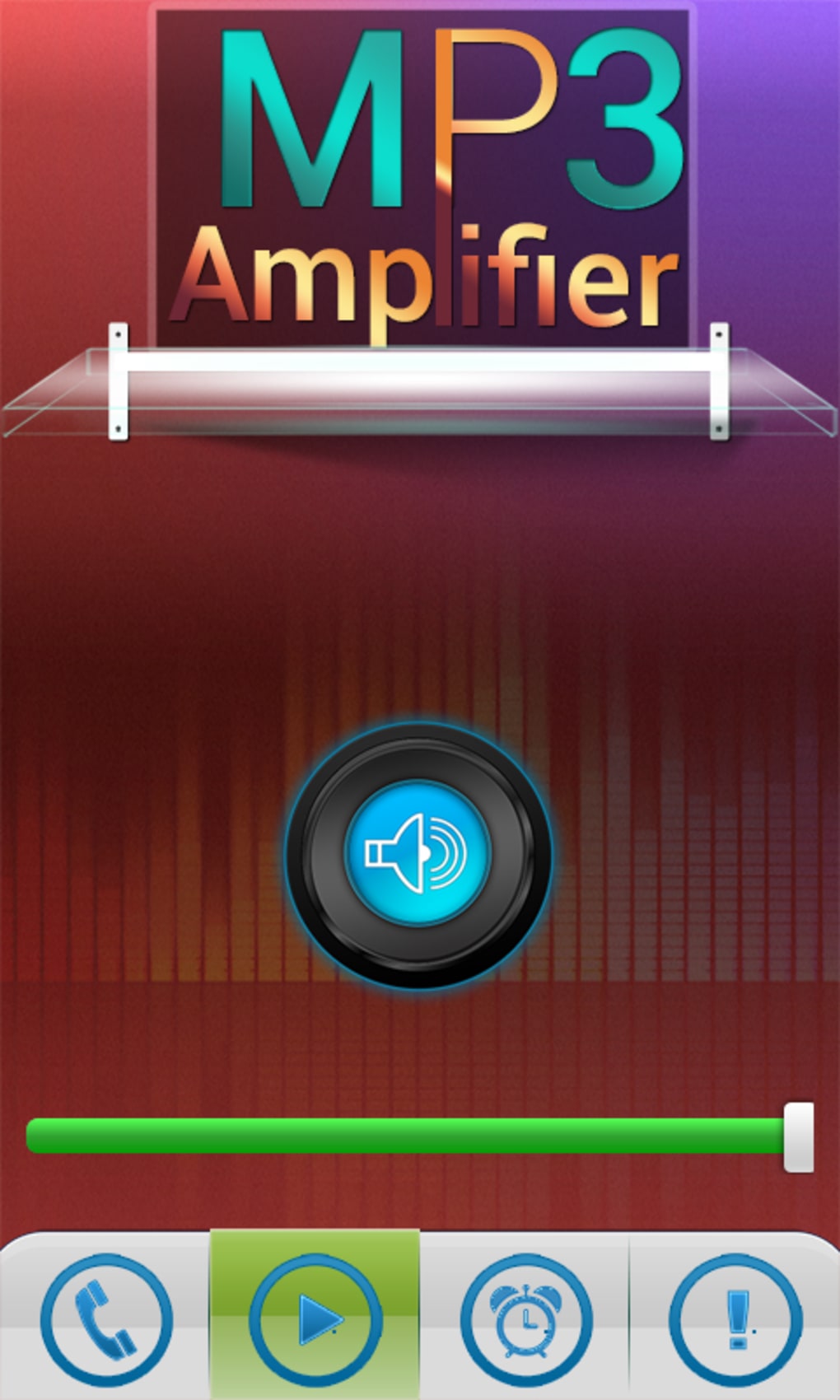
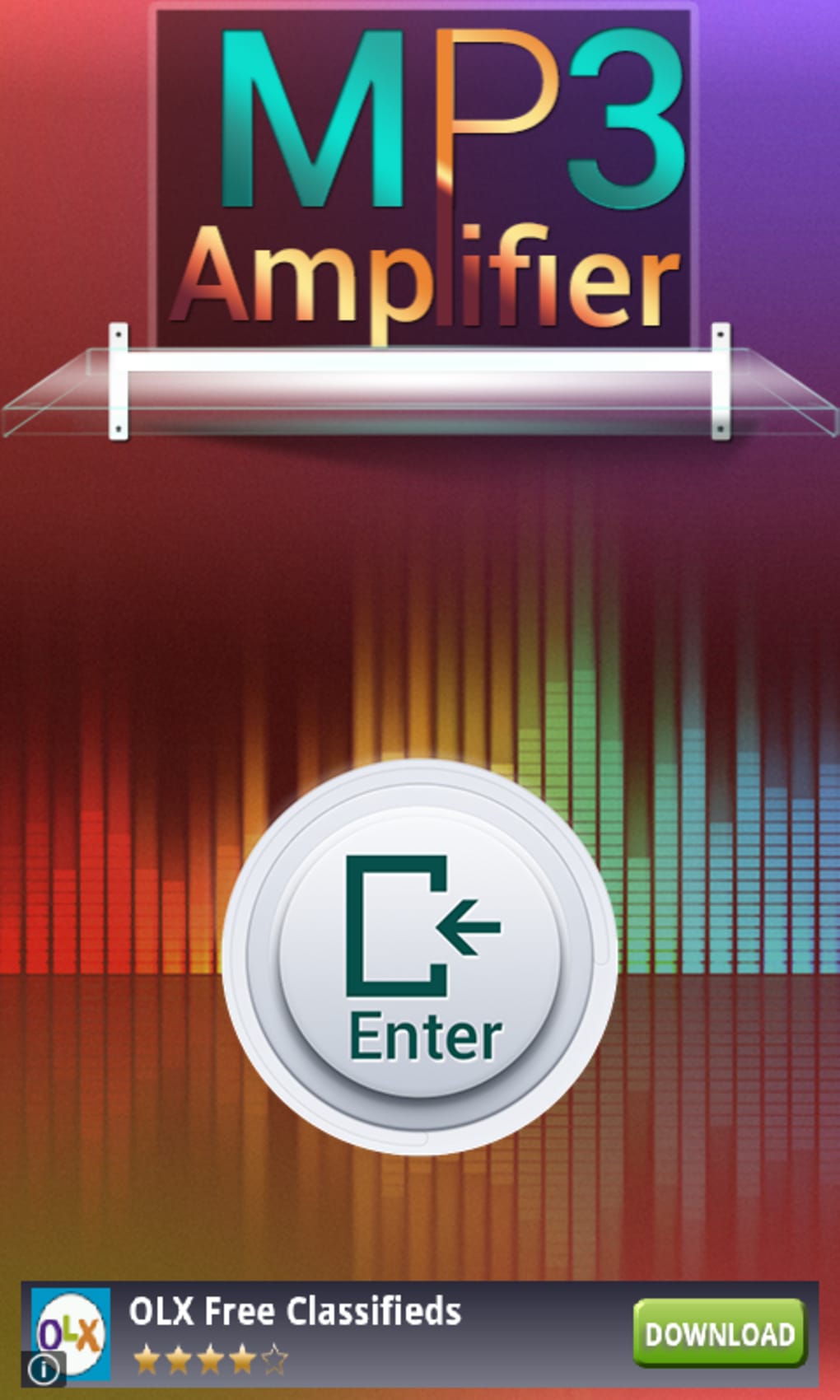
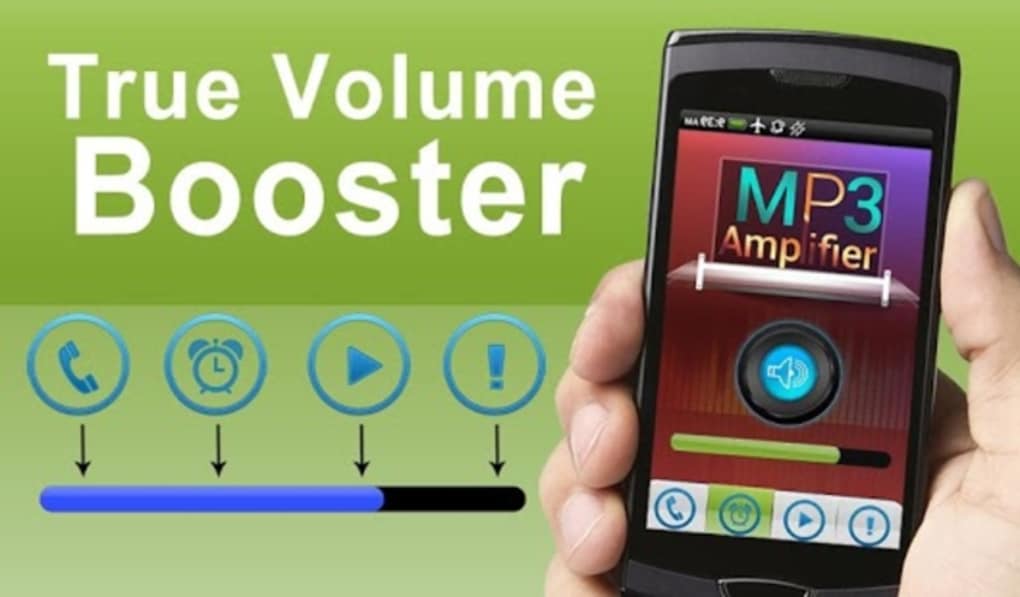
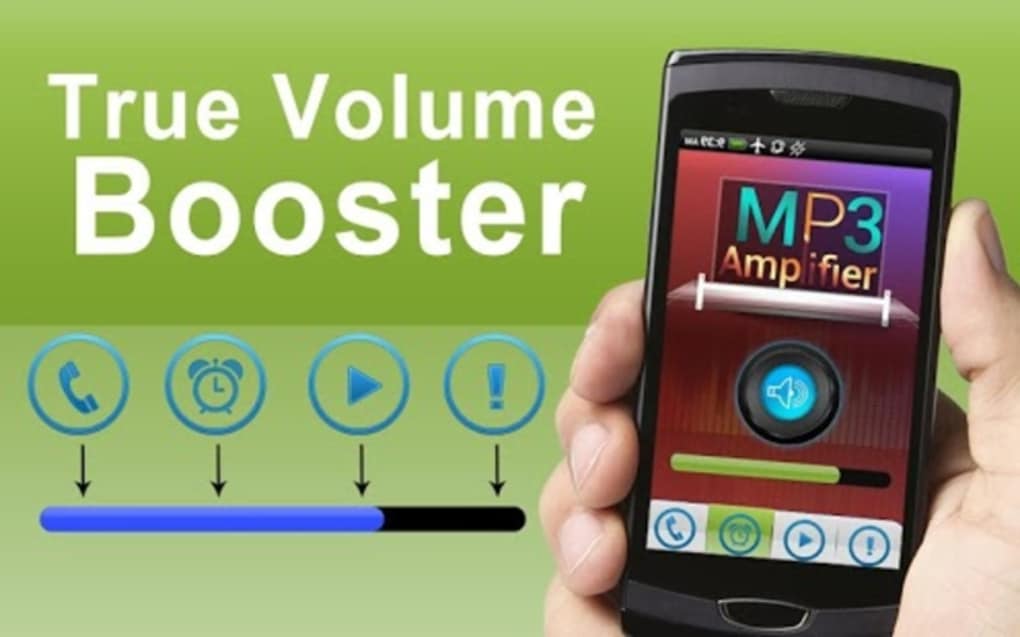
- Simple User Interface – The app features a basic interface with a volume bar that users can adjust after launching the application. This allows for real-time control over amplified audio levels.
- Free Access with Ad-Based Monetization – The software is available at no cost, supported by advertisements. Users are prompted to dismiss ads to access the main functionality.
- Lightweight Installation – With a file size of 4.5 MB, the app is designed to consume minimal storage space on Android devices.
These capabilities are particularly beneficial for users who experience low audio output from their devices. For example, someone using older headphones or a low-powered speaker can use the app to enhance volume without replacing hardware. The app also offers a workaround for platforms that restrict volume control, such as certain streaming services, enabling users to boost audio from downloaded MP3 files.
User Interface, Workflow & Performance
The user interface of MP3 Amplifier Sound Booster is described as minimalistic, focusing on core functionality. Navigation is straightforward: users launch the app after starting their audio playback, then adjust the volume bar within the app to increase output. The workflow is designed to be quick and intuitive, requiring no configuration or advanced settings.
Performance details were not specified by the developer. However, based on general software behavior, the app operates in the background while audio is playing, applying amplification in real time. The developer did not provide information on CPU or RAM usage, nor did they detail stability under prolonged use. Users may experience performance variations depending on device age and Android version. The app’s lightweight size suggests low system impact, but this is not confirmed.
Notably, the app has been reported to display a high volume of advertisements, which may affect user experience and device responsiveness, particularly on older or lower-end Android devices. In some cases, frequent ad pop-ups have been associated with temporary system freezes, suggesting potential instability during heavy ad loading.
Compatibility & System Requirements
MP3 Amplifier Sound Booster is designed for Android devices. The app’s operating system compatibility is limited to Android, but specific version requirements were not listed. The installation size is 4.5 MB, which is considered small and suitable for most mobile devices with limited storage.
Exact system requirements were not provided. The developer did not specify minimum RAM, processor speed, or Android version. As such, compatibility with older or newer devices remains uncertain. Users should verify functionality on their specific device model, especially if using a device with outdated software.
Platform compatibility information is limited, and no details were given regarding support for tablets, wearables, or other Android-based platforms.
Pros and Cons
Pros
- Free to download and use, making it accessible to a wide audience.
- Offers volume amplification beyond the standard 100% limit, addressing a common user pain point.
- Minimal installation size (4.5 MB) reduces storage burden.
- Works with existing media players without requiring app switching.
- Simple interface enables quick setup and use.
Cons
- High volume of advertisements may disrupt user experience.
- Ad frequency could lead to performance issues on older or low-end devices.
- Exact system requirements and compatibility details were not disclosed.
- Performance under prolonged use or heavy ad loading remains unverified.
- No indication of regular updates or long-term maintenance.
FAQ Section
Is MP3 Amplifier Sound Booster compatible with all Android devices?
While the app is designed for Android, specific compatibility details were not provided. Users are advised to test the app on their device to confirm functionality.
Is the app safe to use on my mobile device?
The app is free and available through official Android channels. However, the high frequency of advertisements may pose risks if third-party ads are not properly vetted. Users should ensure they download from trusted sources.
Does the app require internet access to function?
The app functions primarily in offline mode to amplify audio playback. However, advertisements may require internet access to load.
Can I use this app with streaming services?
The app is best suited for locally stored MP3 files. Its effectiveness with paid online platforms may be limited due to digital rights management (DRM) restrictions.
How often does the app receive updates?
Update frequency was not specified. The developer has not provided information on maintenance or release schedules.
Final Thoughts
MP3 Amplifier Sound Booster presents a practical solution for users struggling with low audio output on their Android devices. Its ability to push volume beyond the standard 100% limit addresses a genuine need, especially for those using older or low-powered audio hardware. The app’s lightweight design and straightforward interface make it easy to use, and the free pricing model increases accessibility.
However, the overwhelming number of advertisements significantly detracts from the user experience. On older devices, the ad load may cause instability, making the app less reliable than expected. Without clear system requirements or update information, long-term usability remains uncertain.
Despite these drawbacks, the app delivers on its core promise for users seeking a volume boost. For those willing to tolerate ad interruptions, it offers a simple, no-cost way to enhance audio output. If you're looking to make quiet songs louder on your Android device, this app may be worth a try.
Download MP3 Amplifier Sound Booster now
Guides & Tutorials for MP3 Amplifier Sound Booster
How to install MP3 Amplifier Sound Booster
- Click the Preview / Download button above.
- Once redirected, accept the terms and click Install.
- Wait for the MP3 Amplifier Sound Booster download to finish on your device.
How to use MP3 Amplifier Sound Booster
This software is primarily used for its core features described above. Open the app after installation to explore its capabilities.
User Reviews for MP3 Amplifier Sound Booster 0
No reviews found





